
Signing up takes a minute: fill in the form, confirm your email, and log in.
Sign up
Section titled “Sign up”Open /signup and fill in your first name, last name, email address, and a password. The password must be at least 8 characters, and the confirmation field has to match.
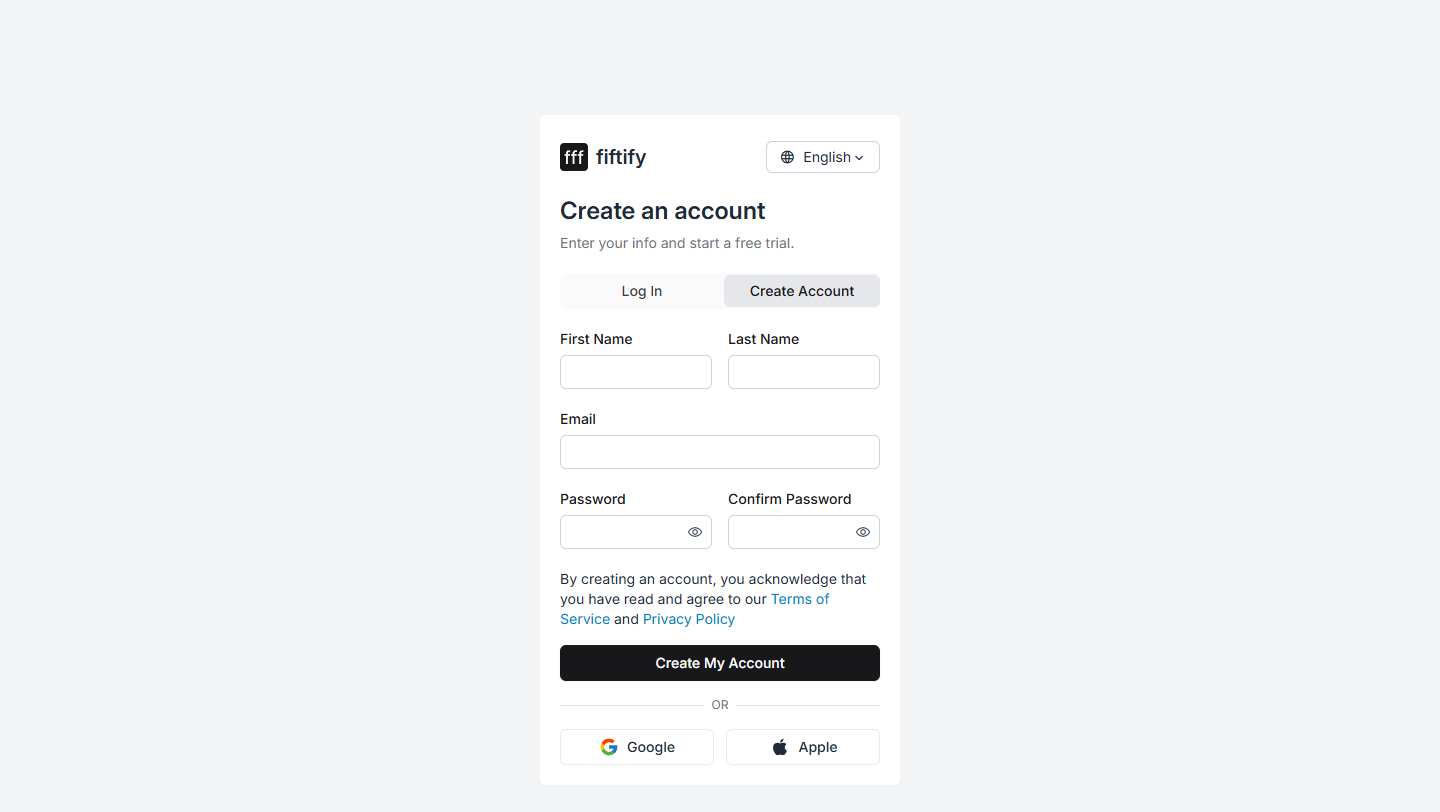
You can also sign up with Google or Apple using the buttons below the form.
Select Create My Account. Fiftify creates your account together with a company, a default warehouse, and a default supplier, then sends a confirmation email.
Confirm your email
Section titled “Confirm your email”After signing up you land on a page telling you to check your inbox.
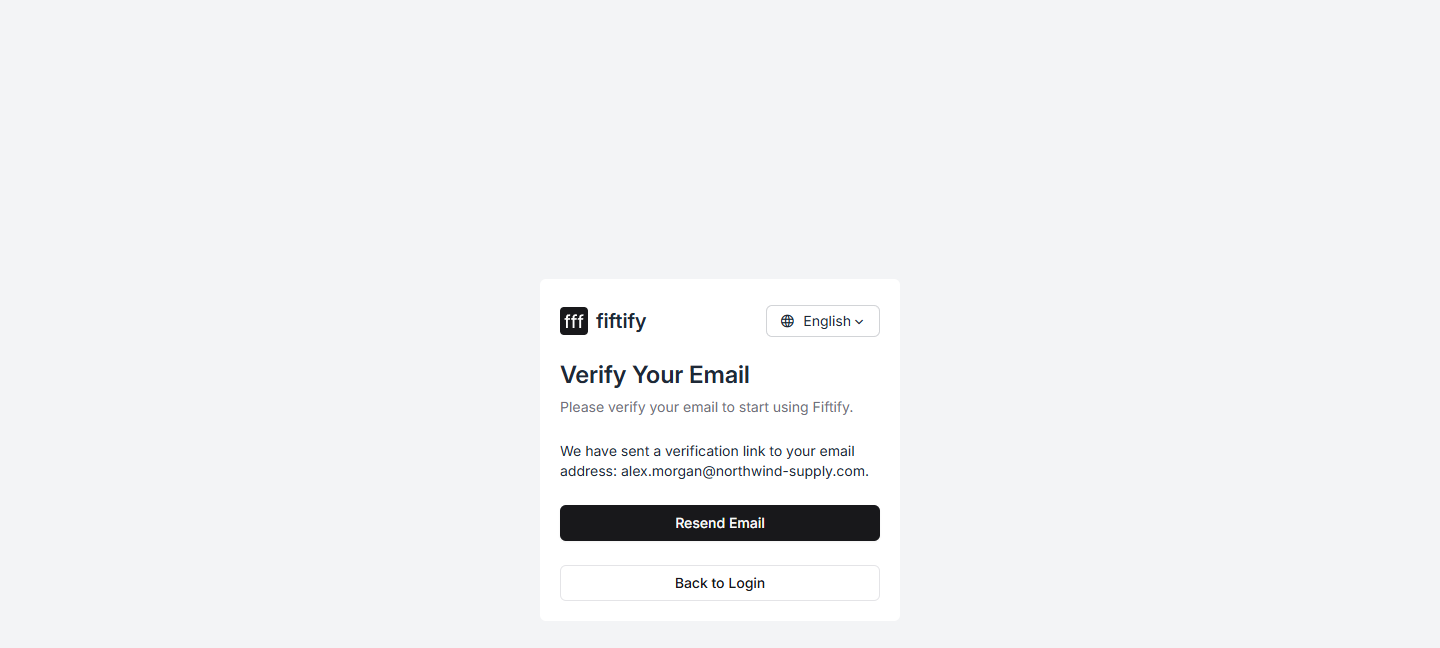
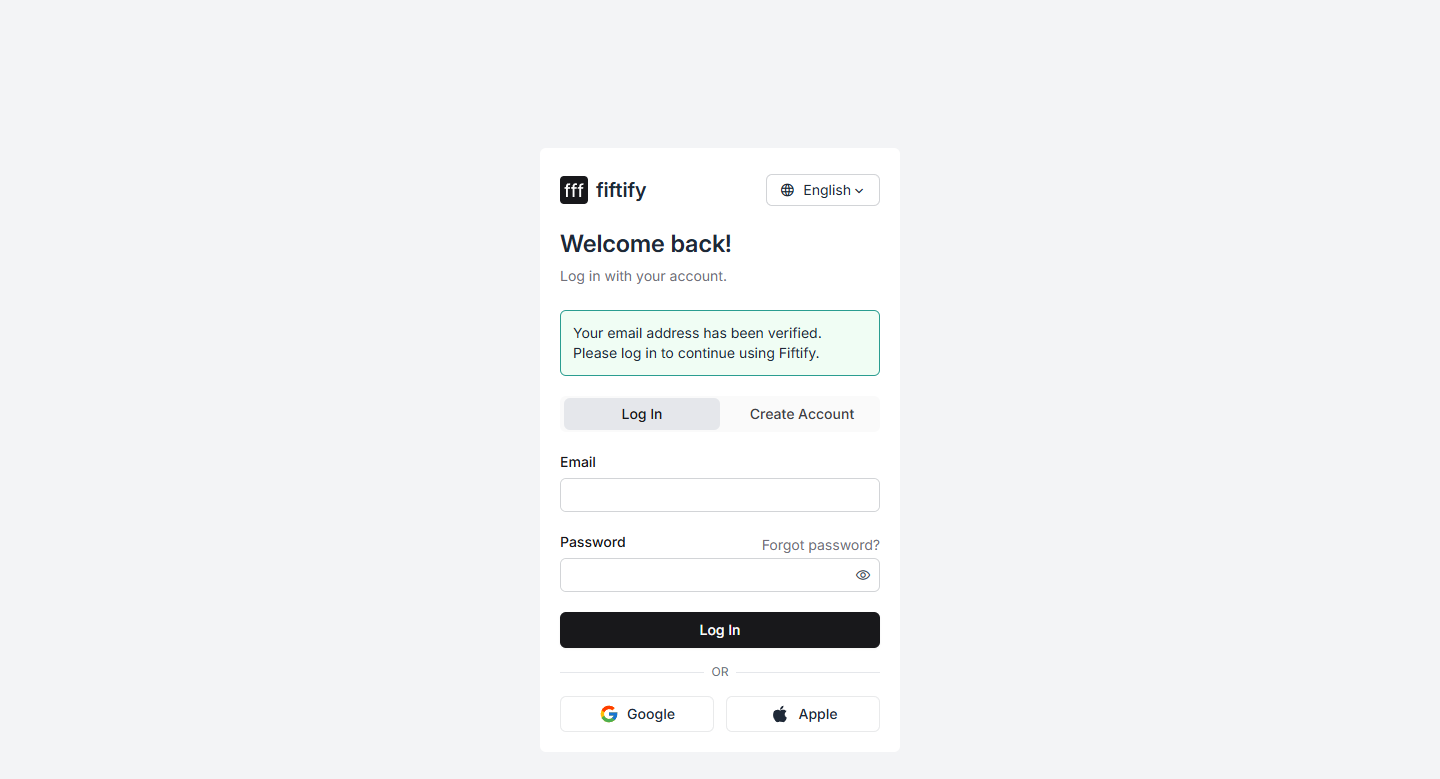
Open the email titled “[Action Required] Verify your email address” and follow the link in it. The link verifies your address and takes you straight to the login page, where a banner confirms it worked.
Log in
Section titled “Log in”Enter the email and password you signed up with and select Log In. You land on your Home page, which shows your revenue summary and the setup checklist.
Name your company
Section titled “Name your company”Your company starts life as Default company. It shows up on documents and in your team’s invitations, so rename it first.
Open Settings → General and select Edit next to Company Name.
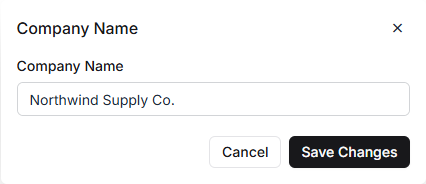
Enter your real business name and select Save Changes.
The same page holds Format Settings — the numbering patterns for sales orders,
purchase orders, transfers, replenishments, cycle counts, pallets, and totes
(SO-{0000}, PO-{0000}, and so on) together with the next number in each series.
Adjust them before you start trading, while the counters are still at 1.
Your free trial
Section titled “Your free trial”New accounts open on the Starter plan with a 7-day free trial. You can see where you stand under Settings → Billing & Plan.
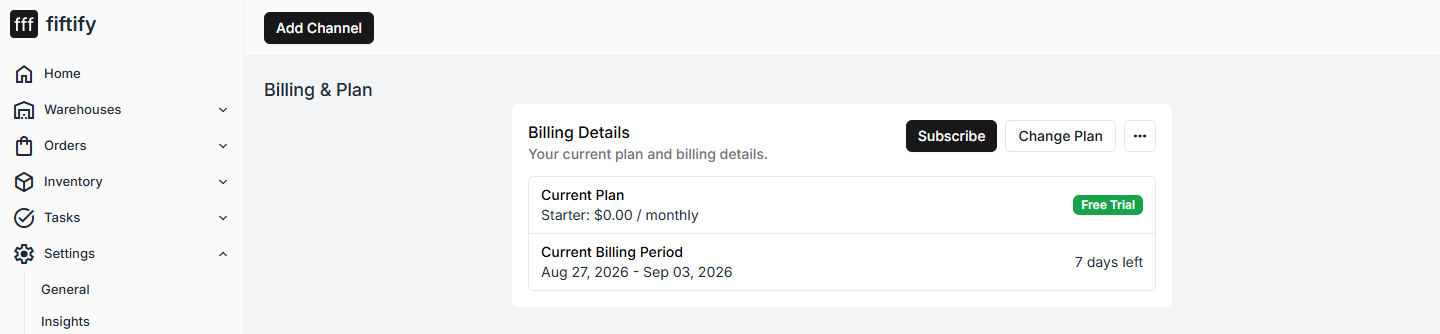
Nothing is charged during the trial, and Subscribe or Change Plan on that page is where you pick a paid plan when you are ready.
If something goes wrong
Section titled “If something goes wrong”- No email arrived. Check your spam folder. Confirmation links are single-use and expire, so request a fresh one by signing up again with the same address.
- You forgot your password. Select Forgot password? on the login page and follow the reset link sent to your inbox.
- You already have an account. Signing up again with a registered address will not create a duplicate — log in instead, or reset your password.
Next: your 5 setup steps.