
Your profile
Published
Everything on this page is about you, not about the company. Open it from your name in the bottom-left of the sidebar.
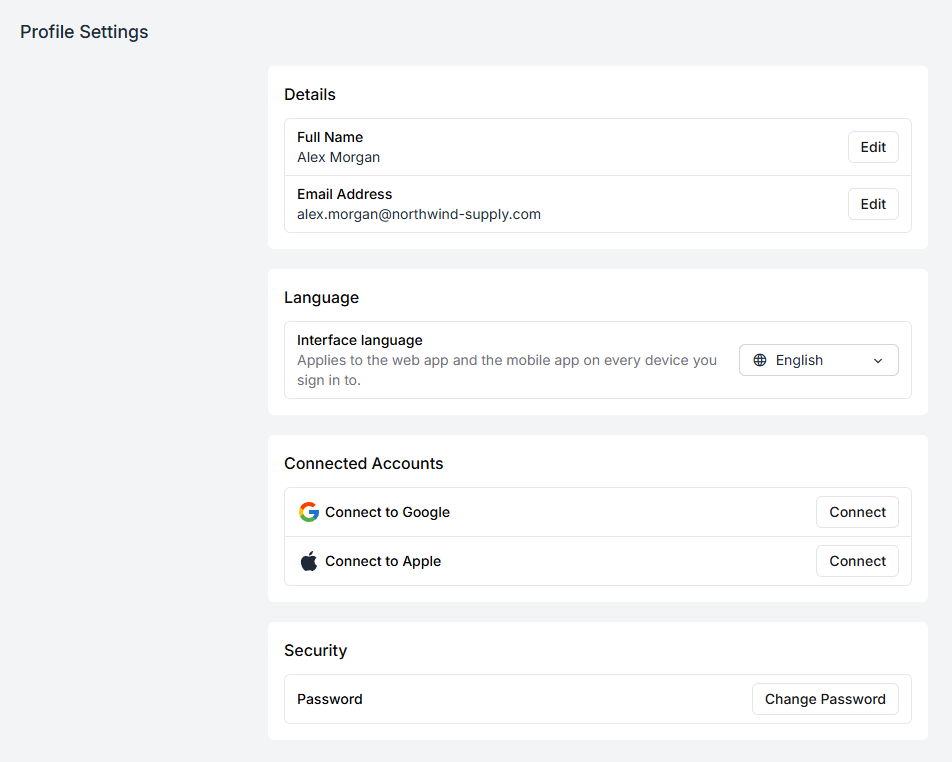
Details
Section titled “Details”Full name is how you appear to everyone else — on task assignments, in stock history, on the productivity leaderboard. Worth having it read as the name your colleagues actually call you.
Email address is your sign-in. Changing it sends a confirmation to the new address, and the change only takes effect once you follow that link. Until then the old address still signs you in — which is the point: a typo in a new email would otherwise lock you out of your own account.
Interface language
Section titled “Interface language”Applies to the web app and the mobile app on every device you sign in to.
The language setting travels with your account rather than with the browser, so setting it once at a desk also changes the handheld a picker signs into on the floor.
This is a personal setting. Changing it does not affect anyone else on the team, and it does not change the language of documents sent to customers.
Connected accounts
Section titled “Connected accounts”Google and Apple can be connected to your account, after which you can sign in with either instead of typing a password.
Connecting is a convenience, not a replacement — your Fiftify password keeps working. Disconnecting is safe as long as you still remember it.
Password
Section titled “Password”Change Password asks for the current one before setting a new one. If you have forgotten it, sign out and use the Forgot password link on the sign-in screen instead; that route mails you a reset link.